Power
Compare the published configuration row, then confirm the exact version.

Indoor architectural / 12 catalogue models
Compare five downlight and seven spotlight families using published catalogue fields. Project approval, supply and document coverage still attach to the selected configuration.
Product family and image are traceable to a supplier catalogue; project configuration still requires review.
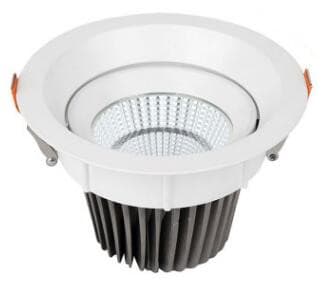
Two catalogue families
The category is a first filter. The exact configuration row and application conditions decide the shortlist.
Available comparison fields
Output, glare, control, photometric files and approval documents are not assumed from these fields.
Compare the published configuration row, then confirm the exact version.
Check the body envelope against ceiling depth and installation clearance.
Use the listed opening only with the matching configuration row.
Treat the catalogue angle as a shortlist field; photometric fit needs review.
Record the required combination rather than assuming every option is available.
Match electrical and light-source fields before requesting documents.
Catalogue model index
12 of 12 model families match the published values in this URL.
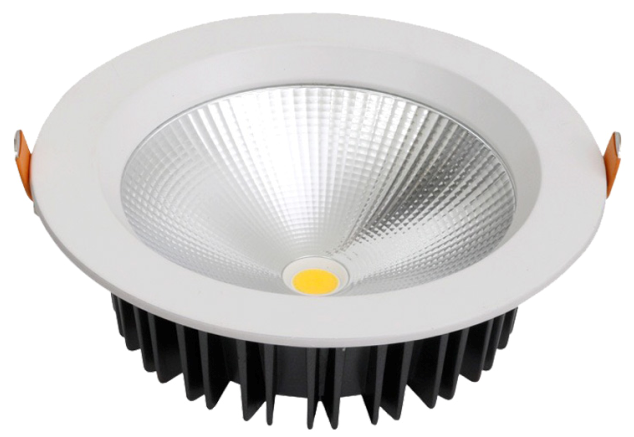
MET-TD701
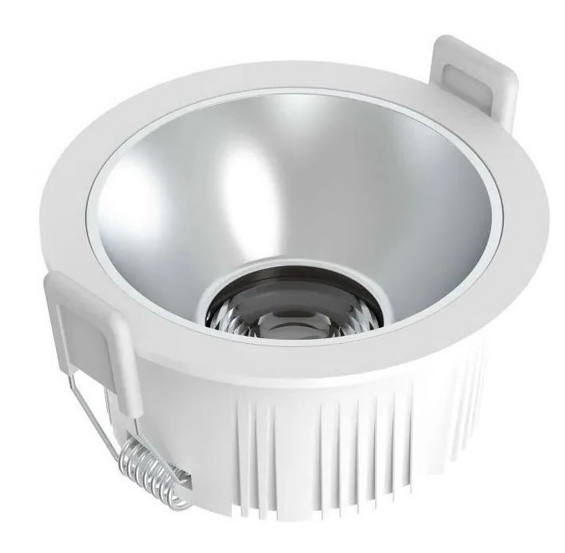
MET-TD711
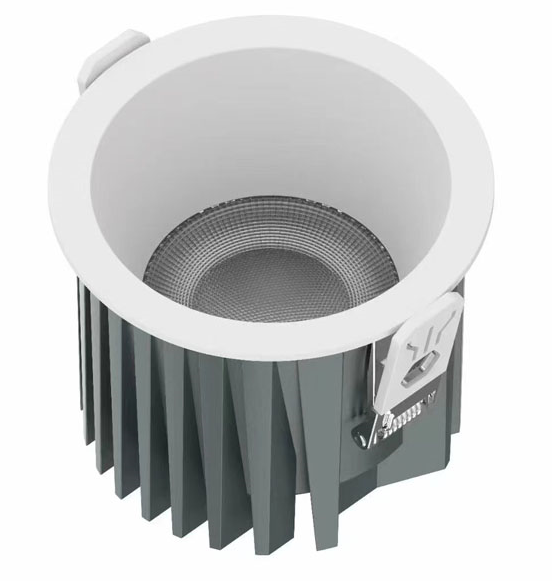
MET-TD2409
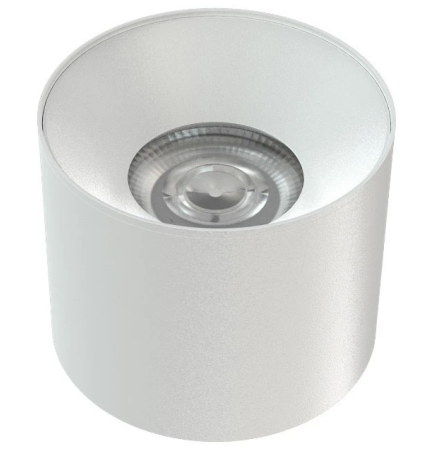
MET-MTD207A
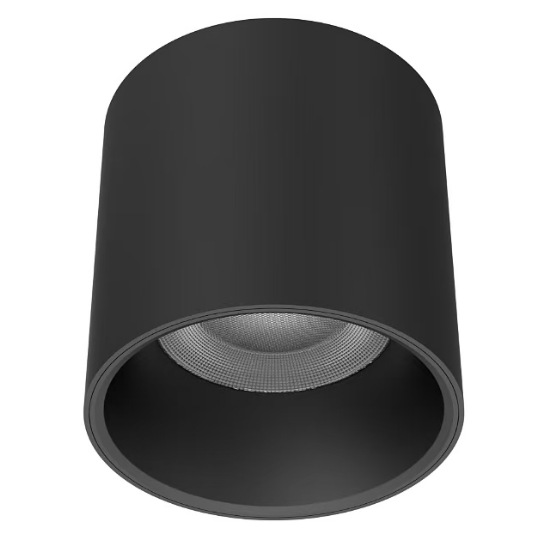
MET-MTD2401
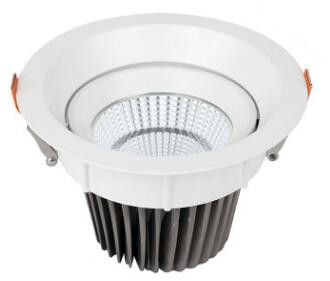
MET-TD223
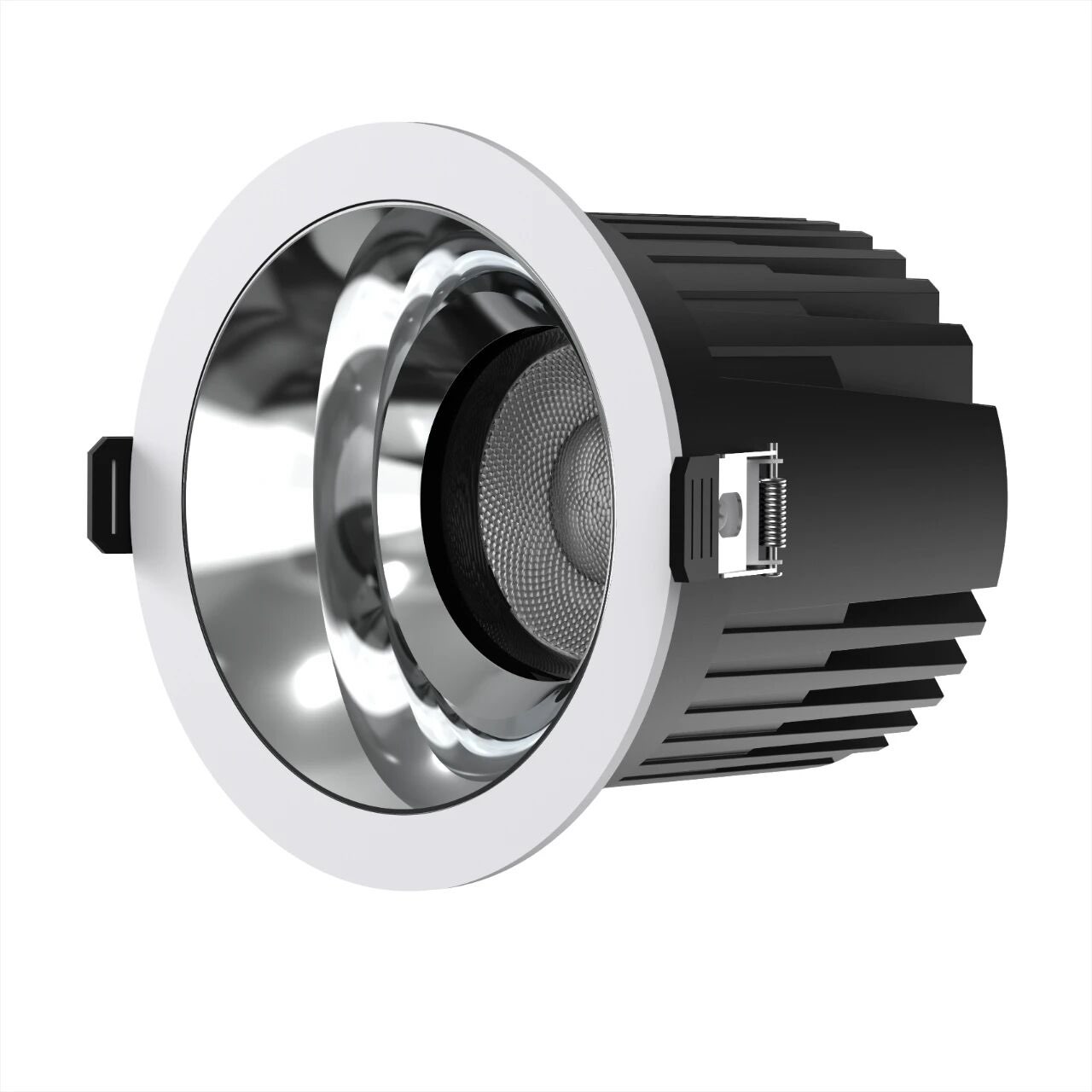
MET-TD2514
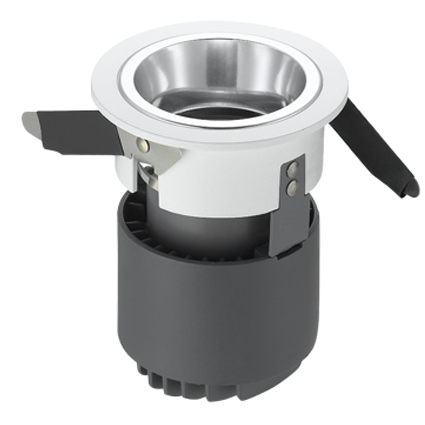
MET-TD322
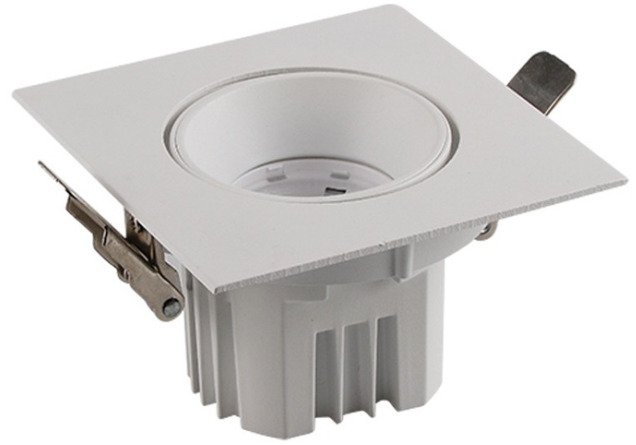
MET-TD527
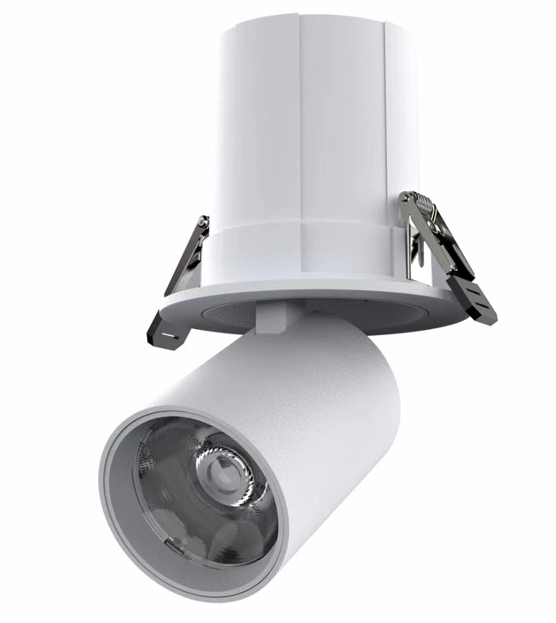
MET-TD2408
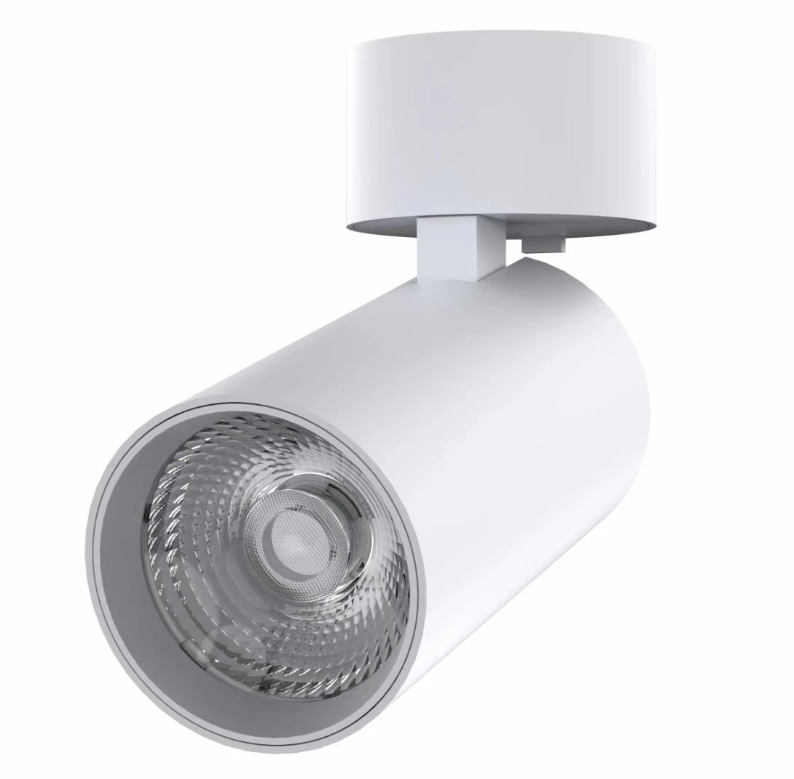
MET-TD2406
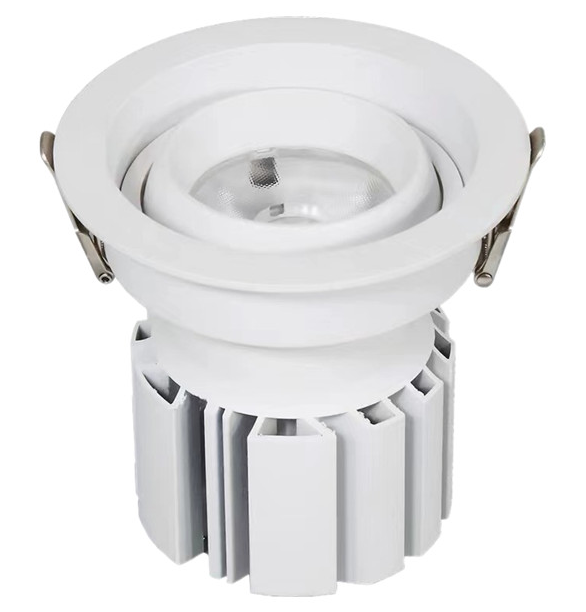
MET-TD351
Visible now
Project confirmation
FAQ / evidence boundary
These answers separate public evidence from the configuration and file checks completed for a live project.
Published power, dimensions, cut-out, beam, CCT, CRI, voltage, source and material fields.
No. It traces the model family and published options; the selected configuration still requires review.
Include the ceiling condition, quantity, output or lux target, glare criteria, controls, required files and delivery window.